Giving My Blog Posts a Visual Identity with Agnes AI and a Custom Hermes Skill
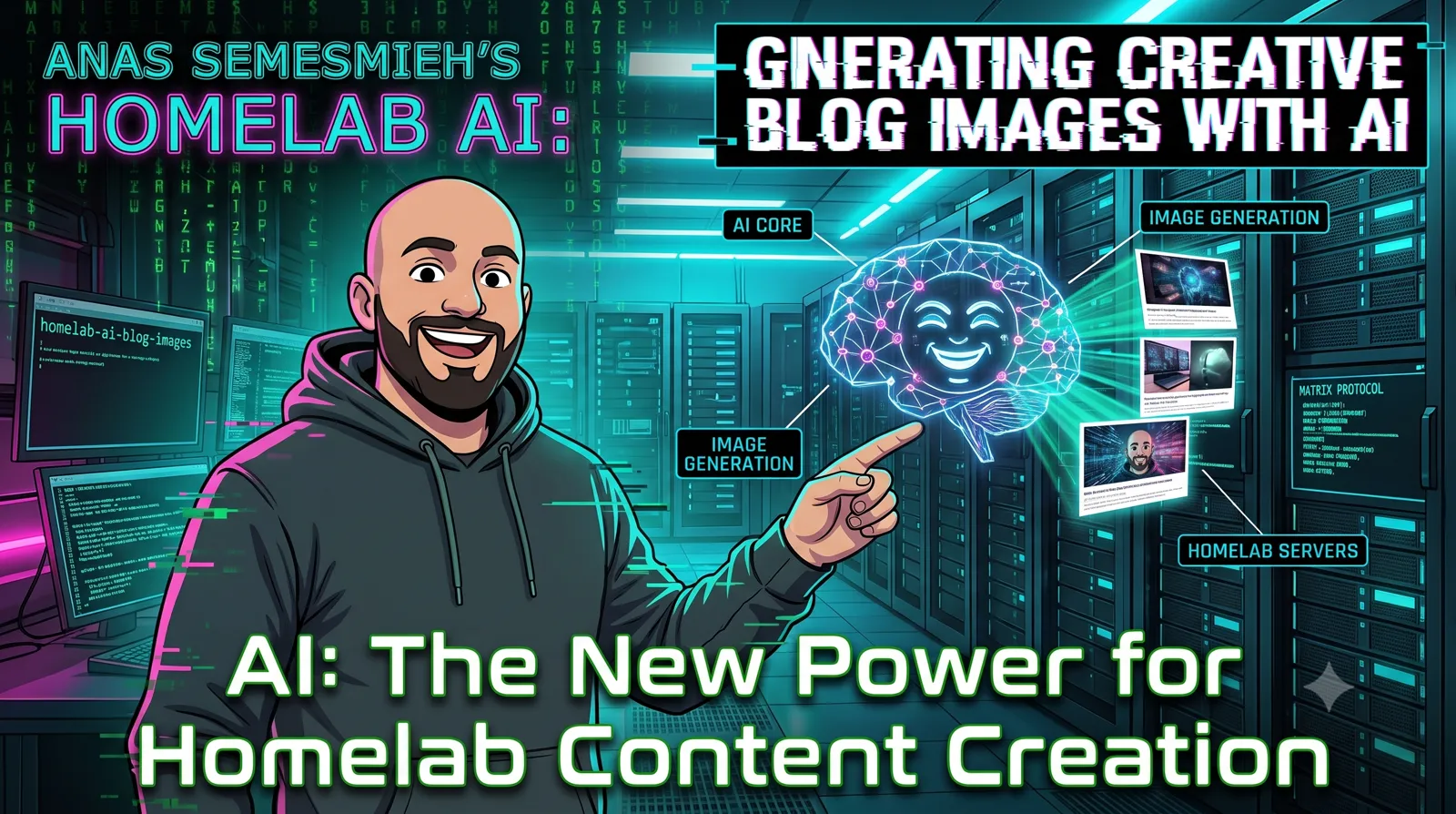
Before → after: plain text-only blog posts enriched with AI-generated contextual illustrations.
For a long time, my blog posts were walls of text. Good content, I think — writeups on self-hosted recursive DNS, how I run my homelab, infrastructure migrations — but visually flat. No images, no diagrams beyond the occasional code block. I knew it mattered. I just never had a workflow that made it feel worth the friction.
That changed when I wired up Agnes AI as an image generation provider and built a custom Hermes skill to automate the whole process — reading a post, identifying natural image slots, generating contextually relevant illustrations, getting my approval, and embedding them directly into the HTML. This post walks through how that system works and what I learned building it.
Why Plain Text Posts Were a Problem
My portfolio is a technical signal. Hiring managers and engineering leaders who land on it are forming an impression fast — and a wall of text, even well-written text, signals "rough notes" not "senior engineer." Images do a lot of work: they break up the reading rhythm, signal that the author cared enough to go further, and in technical posts, a good diagram or illustration often communicates faster than three paragraphs.
The friction wasn't skill — it was time. Finding stock photos that aren't generic garbage, creating diagrams in draw.io, resizing and optimizing — it adds up. For a post that takes me two hours to write, the image workflow was another hour I didn't have on a weeknight.
The Architecture: Hermes + Agnes AI
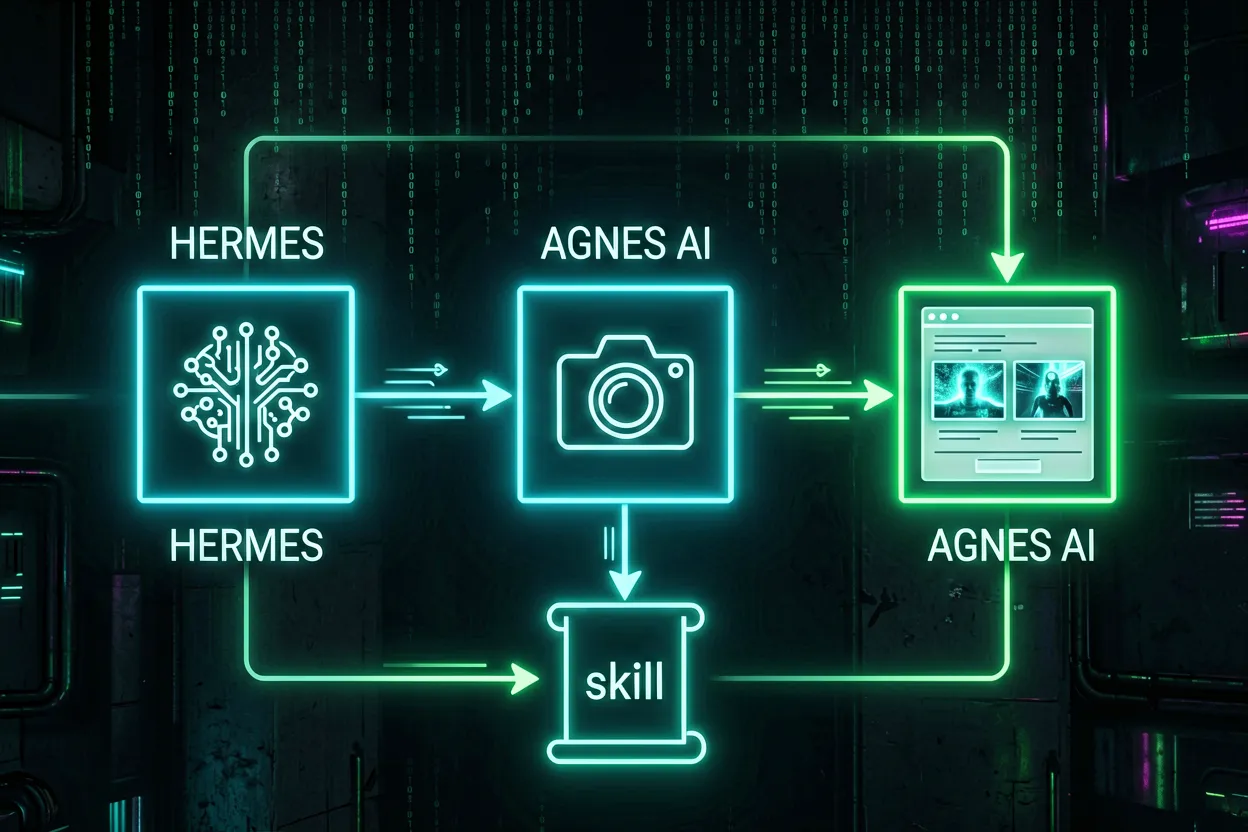
The full enrichment pipeline — from reading a post to committing illustrated HTML.
Hermes Agent is the AI
agent framework I run locally for homelab automation, coding tasks, and now content workflows. It supports
pluggable image providers through a skill system — you write a SKILL.md that defines
the workflow, and Hermes loads it as a reusable procedure.
Agnes AI is the image generation API I picked for this project. It exposes an OpenAI-compatible
endpoint at https://apihub.agnes-ai.com/v1, which made integration with Hermes straightforward —
just configure it as a custom provider with an API key. The model I settled on is
agnes-image-2.1-flash, which produces solid results in around 20 seconds per image.
Configuring Agnes AI in Hermes
Adding Agnes AI as a custom provider took one config change:
# ~/.hermes/config.yaml
custom_providers:
  agnes-ai:
    base_url: https://apihub.agnes-ai.com/v1
    api_key: <your-key>
From there, Hermes can hit the /images/generations and /images/edits endpoints
during a skill run — no extra tooling needed.
The Blog Image Enrichment Skill
The skill lives at ~/.hermes/skills/blog-image-enrichment/SKILL.md. At a high level, here's
what it does:
- Read the target post — load the HTML, understand the narrative structure and section headings.
- Identify image slots — find 3–5 natural insertion points where an image would add value, not just fill space.
- Generate prompts — craft specific, contextual prompts for each slot. Not generic stock-photo prompts — prompts that reflect what this specific section is about.
- Call Agnes AI — generate each image, download it locally.
- Show me for approval — every image gets surfaced before anything is embedded. No auto-commits.
- Embed and commit — once approved, patch the HTML, add the assets, and push.
The approval step was non-negotiable. AI image generation is still inconsistent — good composition 80% of the time, completely wrong 20%. I want human eyes on every image before it goes live.
What Good Prompts Look Like for Technical Posts
Generic prompts produce generic images. The skill enforces specificity. For my post on self-hosted recursive DNS with Unbound, instead of prompting "a server diagram," the skill generated:
"Dark-themed network topology diagram. Devices at the top connect to two AdGuard Home nodes
(primary + replica). Both forward to a single Unbound CT110 node. Unbound connects downward
to Root, TLD, and Authoritative DNS servers. Clean arrows, neon green labels, dark background.
Technical infrastructure illustration style."
That specificity — CT110, the topology, the actual component names — is what makes the image earn its place in the post rather than just decorating it.
The Before and After
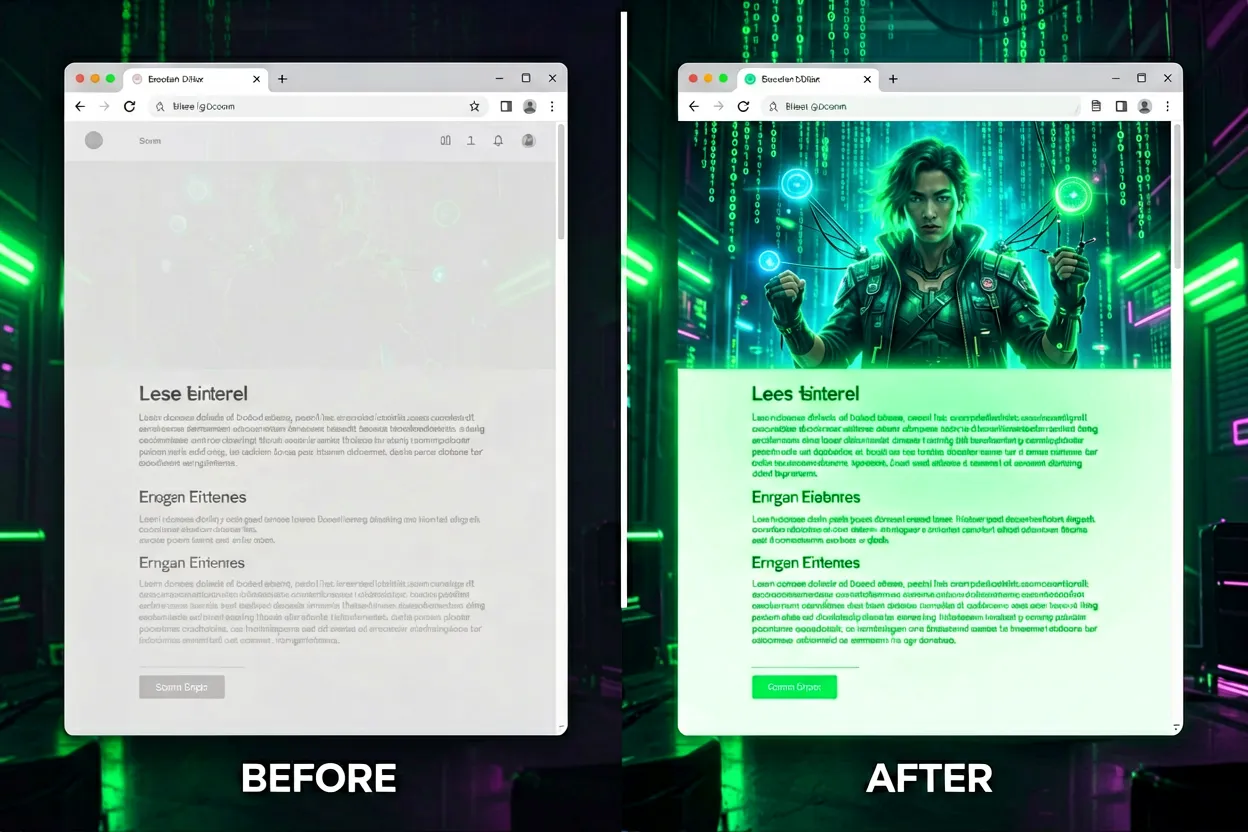
Left: a typical blog post before enrichment. Right: the same post after — images woven into the narrative, not bolted on.
The difference is real. Posts that previously looked like internal documentation now feel like proper technical writing. The Unbound DNS post got a hero image, a DNS forwarding vs. recursive resolution comparison, and a topology result diagram. The homelab start-here guide got four images — a hero, a "what I run" visual, a backup philosophy illustration, and a career context closer.
Each image was generated from the section's actual content — not repurposed stock art — so they reinforce the writing rather than existing in parallel to it.
What I Learned (and What Still Needs Work)
What worked well
- Contextual prompts beat generic ones every time. Investing 30 seconds in a specific prompt saves regeneration cycles.
- The approval gate pays off. About 1 in 5 generations was wrong — wrong tone, wrong level of abstraction, or just aesthetically off. Having the gate meant those never made it to the post.
- Self-hosted assets. Downloading images to
/blog/assets/instead of hotlinking means the blog doesn't break if Agnes AI's CDN URL expires. - Diagrams with
object-fit: contain. Technical diagrams need room to breathe — forcing them into a fixed-height cover crop garbles the labels.
What I'm still iterating on
- Likeness generation. The
/images/editsendpoint supports reference photos for face preservation — when it's available. It's intermittently down, and the fallback/generationsendpoint uses the reference loosely. The hero images across these posts don't quite look like me yet, and that's the next thing to fix. - Image sizing. I settled on
1536×1024for hero images and wide diagrams, but I haven't optimized for load time yet. These are 1–1.5 MB uncompressed PNGs. Asrcsetpipeline and WebP conversion is on the list. - Batch generation. Right now the skill generates images one at a time. A concurrent approach would cut the enrichment session time significantly.
SKILL.md immediately. Hermes makes this easy — the skill is just a markdown file with
frontmatter that loads into any session on demand.
Why This Matters Beyond Aesthetics
There's a compounding effect here that I didn't fully anticipate. When posts look better, I'm more motivated to write them. When I'm more motivated to write them, the portfolio grows. A better portfolio is a better career signal. This started as a "make the blog prettier" project and turned into infrastructure for consistent technical writing.
That's the pattern I keep finding in homelab automation — the value isn't the automation itself, it's the behaviour it enables that wouldn't otherwise happen at all.
If you're running Hermes and want to set up something similar, the full skill is available — drop me a message via the contact section of my portfolio and I'll share it directly.