From NAS to DAS: Retiring My Synology Before It Retired My Data
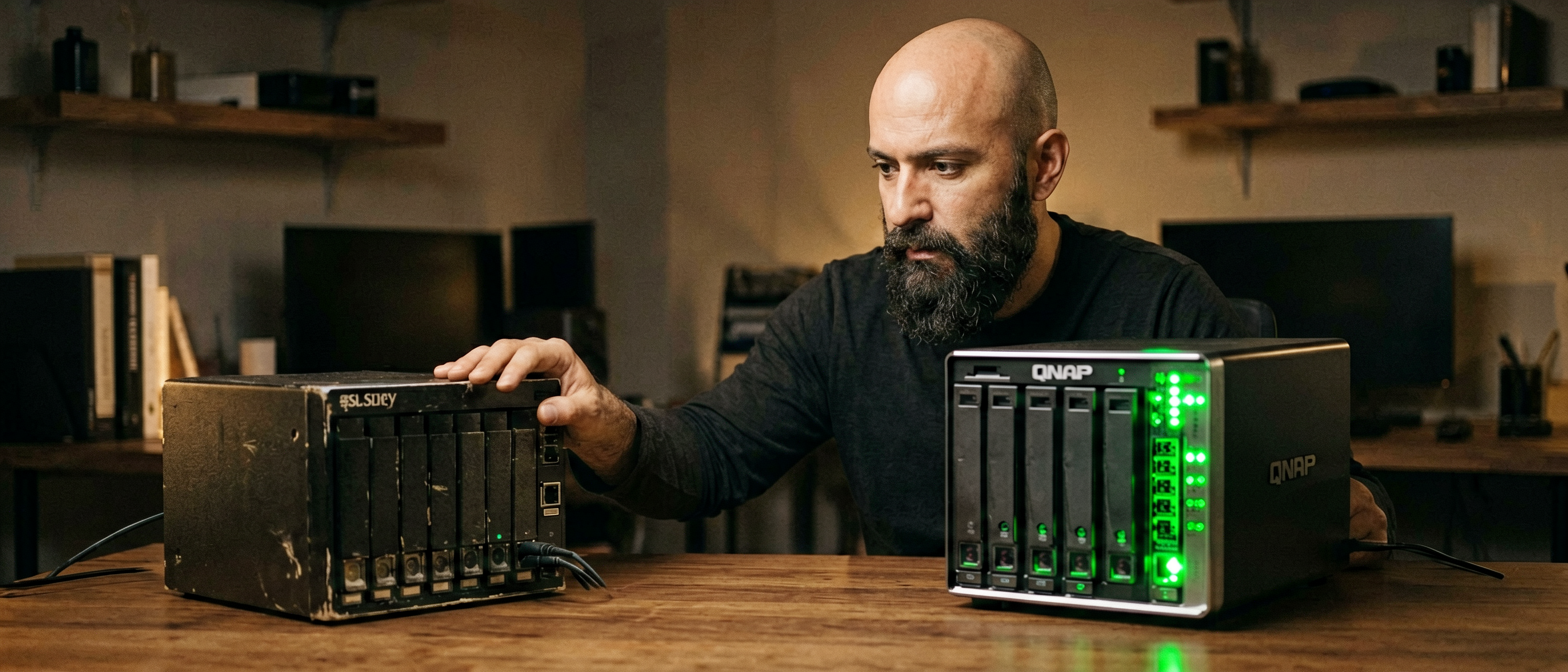
There is a category of risk in a homelab that is easy to ignore because nothing has gone wrong yet. Your drives spin, your Plex library loads, your backups run. The system works — you can see that much. What you cannot see is that the architecture underneath has no tolerance for failure, and that the longer it keeps working, the more data you have accumulated on a foundation that will not survive a single bad sector on the wrong disk.
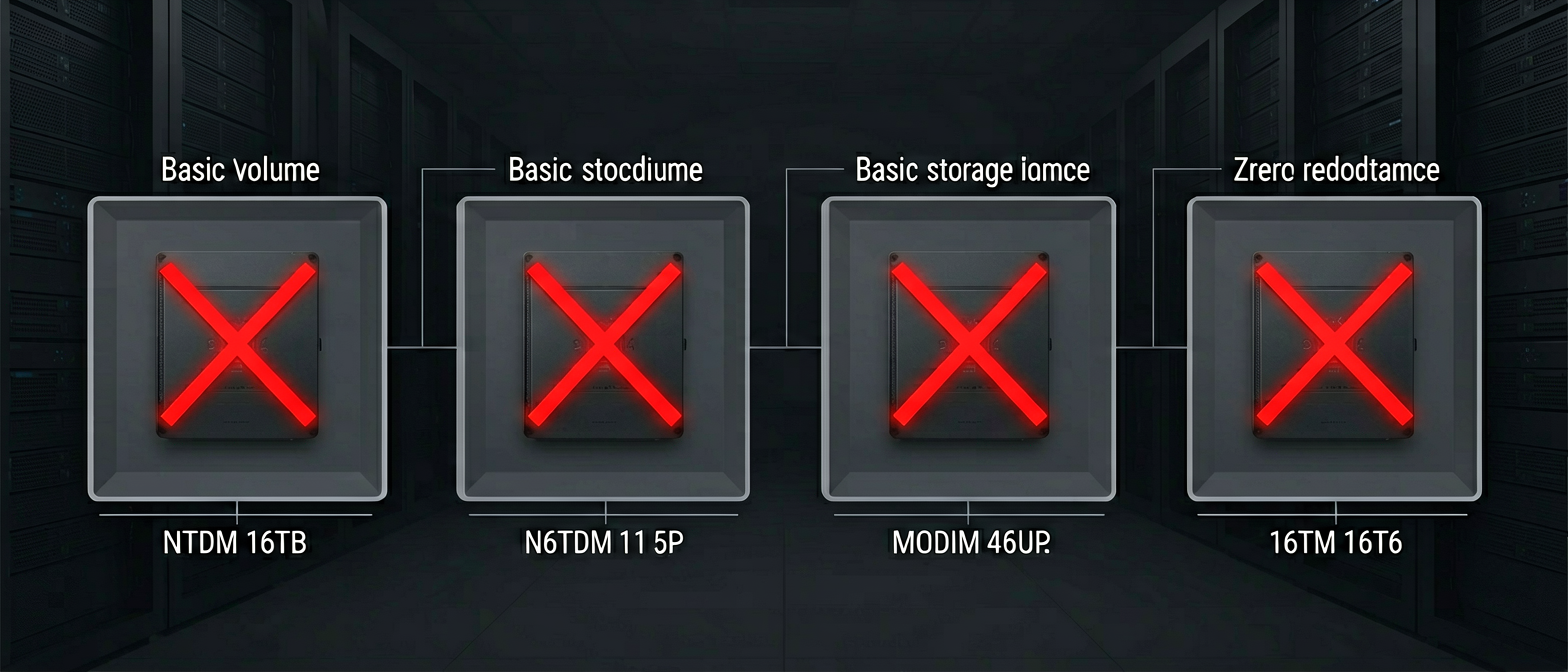
That was my Synology DS416play. Four drives, four Basic volumes, zero parity. ~16 TB of media and backups with no redundancy at all. I knew this. I had known it for a while. What finally forced the decision was not a scare — it was three pressures landing at the same time, each one reasonable on its own, together making the status quo untenable.
This post is a status report on the migration in progress: what drove the decision, how I evaluated the options, why Unraid won, how the transfer is being executed, and where things stand right now as of this week. Part two will cover the app migration off the Synology and the before/after performance numbers once we have a week of runtime on the new stack.
Three Pressures, One Decision
1. The Risk Was Real and Growing
The Synology DS416play was running four Basic storage pools — one per drive, one volume per pool. Basic volumes in Synology DSM are exactly what they sound like: a single disk with no RAID, no SHR, no redundancy of any kind. The four drives held:
- Volume 1 — 4 TB WD Red: system, Docker, ABB, CCTV recordings
- Volume 2 — 10 TB: Media (~1.5 TB) and Proxmox Backup Server data (~400 GB)
- Volume 3 — 10 TB: Movies library (~5.7 TB)
- Volume 4 — 10 TB: Series library (~8.3 TB), flagging low space
Any single drive failure would destroy one of those volumes completely. The media libraries in particular had no second copy anywhere — not on a cloud service, not on a cold backup drive. If the Movies volume died, 5.7 TB of content was gone and the only recovery was re-downloading everything, with all the Plex library history, artwork, and playback progress that goes with it.
2. Four Drives Were Sitting Idle
I had four drives doing nothing: a 4 TB and three 2 TB units, all in good health, all unused. This was not a planned inventory — they were leftover from earlier upgrades and drive replacements that had accumulated over time. Four drives that could collectively provide over 10 TB of usable space were contributing nothing.
3. The 4-Bay Ceiling Had No Exit
Volume 4 was already flagging low space. The Synology DS416play has four bays and all four were occupied. The conventional answer — swap in a larger drive — would have required buying a new drive, then a second drive to mirror it onto before retiring the old one, and I would still be on Basic volumes with no parity and the same structural risk. The other conventional answer, buying a 6- or 8-bay NAS, would have cost £300–500 for the device alone, plus another large drive to actually expand capacity.
All three of these pressures had been building independently. When they landed together — no redundancy, idle drives, no growth path — the Synology’s days as the primary storage layer were over.
Why a DAS Instead of a New NAS
A Direct-Attached Storage enclosure changes the equation entirely. The QNAP TL-D800C is an 8-bay DAS that connects via USB-C to a host machine — in this case, the Dell OptiPlex 7070 Micro that runs Proxmox. It brings no CPU, no OS, no management overhead. It is just a well-engineered enclosure with a backplane and a fan.
The DAS approach meant I could slot all seven drives — the four idle ones I already had plus three more from the Synology as they are freed — into a single enclosure managed by a single storage OS, with a single parity configuration protecting all of them. No new NAS purchase, no proprietary management interface to maintain, no second device consuming power and generating heat on its own logic. The host machine already exists. The enclosure is just additional bays.
Why Unraid
Once the DAS path was clear, the storage OS choice came next. Three realistic options were on the table.
TrueNAS Scale
TrueNAS is excellent software with a strong track record. Its ZFS foundation offers data integrity guarantees that are genuinely hard to match. The limitation for this specific situation is that ZFS RAID-Z requires drives of uniform size to avoid wasted capacity — or more precisely, a RAID-Z vdev uses the capacity of the smallest member for each slot. A pool built from a 10 TB, a 4 TB, and three 2 TB drives would be constrained to the smallest drive in the set, leaving significant raw capacity unused. You can create multiple vdevs of different sizes, but you lose the unified pool benefit and the configuration becomes significantly more complex to manage.
Another NAS Appliance
Synology SHR (Synology Hybrid RAID) is genuinely good at mixed-drive arrays within its own ecosystem. But SHR is limited to Synology hardware, and I was already moving away from the NAS appliance model. QNAP’s equivalent has the same constraint. Any appliance also means a second computer to maintain — its own OS updates, its own failure modes, its own power draw.
Unraid
Unraid’s parity model works differently from ZFS or traditional RAID. Each data drive in an Unraid array operates independently as a formatted XFS or BTRFS filesystem. A parity disk — which must be at least as large as the largest data drive — stores parity information that can reconstruct any single drive that fails. Critically, drives do not need to be the same size. A 10 TB drive, a 4 TB drive, and three 2 TB drives all contribute their full raw capacity to the pool. You get exactly the sum of all data drive sizes as usable space.
For this specific inventory — one 4 TB, three 2 TB in the DAS now, with three 10 TB disks joining from the Synology as they are freed — Unraid was the only option that used every byte of every drive without waste or artificial constraints. The math made the decision straightforward.
Unraid also runs as a virtual machine cleanly under Proxmox via PCIe passthrough, which meant no additional hardware. The Proxmox host already exists and has spare capacity. VM 200 on the OptiPlex 7070 Micro runs Unraid 7.3.1 with 4 vCPUs and 8 GB RAM, the QNAP DAS disks passed through via USB, and the Samsung 870 EVO 500 GB SSD that will become the cache pool once parity is assigned post-migration.
The Migration Architecture
Synology DS416play (10.0.0.10)
  /volume2/Media    — 1.5 TB
  /volume2/PBS      — 400 GB
  /volume3/Movies   — 5.7 TB
  /volume4/Series   — 8.3 TB
         │
         │  NFS over dedicated storage LAN (10.0.0.x)
         │  Intel i219 Gigabit NIC → vmbr1 → Unraid net1
         ▼
Proxmox Host — Dell OptiPlex 7070 Micro (192.168.20.1)
  └── VM 200: Unraid 7.3.1 (192.168.20.200 / 10.0.0.200)
        └── QNAP TL-D800C via USB passthrough
              ├── Disk 1: WD 4 TB  (XFS)
              ├── Disk 2: ST 2 TB  (XFS)
              ├── Disk 3: ST 2 TB  (XFS)
              ├── Disk 4: ST 2 TB  (XFS)     ← 9.8 TB usable today
              ├── Slots 5–8: empty (awaiting Synology drives as freed)
              └── Cache: Samsung 870 EVO 500 GB (deferred — post-parity)
Migration Sequence
The order matters. PBS was migrated first because it is the smallest dataset and losing access to backups during a storage migration is the wrong kind of risk. Media came second — also relatively small at 1.5 TB and lower consequence if interrupted. Movies and Series are the large ones, but they carry the highest disruption cost if something goes wrong mid-transfer (Plex history, metadata, watched state), so they migrate after PBS and Media are confirmed stable.
- PBS — Reconfigured Proxmox Backup Server (CT100) to write to a new Unraid datastore. One fresh full backup taken. Old Synology PBS history discarded — only 2–3 snapshots existed, not worth migrating the deduplicated store.
- Media — rsync from Synology NFS mount to Unraid NFS share. Verified on destination before moving on.
- Movies — rsync in progress. Plex and arrstack remain live on Synology paths during transfer.
- Drive swap — Once Movies is verified, the Movies 10 TB drive is physically removed from the Synology and added to the QNAP DAS. Unraid array is expanded. This frees a slot for Series to start.
- Series — rsync to now-expanded Unraid array.
- Parity assignment — Once all data is on Unraid, assign the freed Series 10 TB as parity disk.
- Cache pool — Samsung 870 EVO 500 GB added as cache after parity sync completes.
Services (Plex, arrstack) are not stopped until their dataset is fully verified on Unraid. The Synology remains online throughout, serving its NFS mounts as the source. No service disruption, no re-downloading.
Executing the Transfer: What Worked and What Did Not
What Did Not Work: Parallel Jobs
The initial instinct was to run multiple rsync processes simultaneously — one per share — to maximise throughput. The Synology DS416play runs a quad-core Realtek RTD1296 ARM processor. Under a single rsync job it managed fine. Under parallel rsync jobs it saturated immediately: CPU usage hit 100%, the NFS server became the bottleneck, and transfer speeds dropped well below what a single sequential job delivered. Parallel approach was abandoned within the first hour.
What Worked: The Ethernet Port Swap
The original network configuration for the storage migration used a USB-to-Ethernet adapter bridged as vmbr1 on the Proxmox host. This was already in place for the isolated storage VLAN (10.0.0.x). What was not obvious until we dug into it: USB-attached NICs carry inherent overhead from the USB protocol layer that eats into effective throughput even on a Gigabit link.
Swapping the storage traffic to the main Intel i219 Gigabit NIC — the built-in NIC on the OptiPlex — and reconfiguring vmbr1 to bridge it instead of the USB adapter produced an immediate improvement. The Intel NIC operates at the PCIe level with native kernel driver support, no USB framing overhead. This single change had a measurable impact on sustained transfer speeds.
rsync Flag Tuning
The base rsync flags were adjusted for a LAN transfer of large media files:
rsync -ah --no-compress --stats --info=progress2 \
/mnt/syn-movies/ /mnt/unraid-movies/--no-compress— compression adds CPU cost on both ends with no benefit on a local network transfer. MKV and MP4 files are already compressed; re-compressing them in transit gains nothing.- Verbose flag (
-v) removed — printing every filename to stdout adds overhead at scale, particularly with large file counts.--info=progress2gives aggregate progress without per-file noise. --append-delused on restarts — safe resume for interrupted transfers without rechecking the entire source tree.
Pre-Flight Cleanup: Stripping the Noise
Before starting the Movies and Series transfers, a cleanup script was run against both source directories on the Synology. The target: remove all the small files that accumulate in a media library over time and add transfer overhead without contributing anything meaningful to the migration.
Specifically removed:
- Thumbnail cache files (
@eaDirdirectories — Synology-specific metadata) - Cached subtitle files and unused subtitle formats
- Small companion metadata files that Plex would regenerate from the library anyway
The effect was meaningful: thousands of small files removed from the transfer queue, which in rsync terms means thousands of stat calls, checksum comparisons, and NFS round trips eliminated. rsync spends a disproportionate amount of time on file count when small files dominate — cleaning them first means the transfer focuses entirely on the large MKVs and ISOs that actually matter.
The Result: ~100 MB/s Sustained
After the port swap, flag tuning, and cleanup: sustained transfer speeds of approximately 100 MB/s on both the Media and Movies datasets. Close to the Gigabit ceiling (~125 MB/s theoretical max), with natural variation from disk seek patterns on the spinning Synology drives.
The Watcher: Running It Like a Real Deployment
A background worker runs alongside the rsync processes and reports to Telegram. Every interval it samples the rsync process — files transferred, bytes written, current file, estimated completion — and pushes a structured update: transfer speed, percentage complete, ETA, and any error signals. If rsync exits unexpectedly, the watcher fires an alert immediately.
This matters for a migration that runs for 13+ hours on the Movies dataset alone. Without monitoring, you are checking in manually on something that should be observable. The Telegram updates mean the migration runs in the background with confidence — any deviation from expected progress surfaces without polling. It is the same principle applied to a homelab operation that any production deployment team would apply to a long-running data migration job: instrument it, observe it, alert on failure.
Where Things Stand Right Now
PBS is the most significant milestone of the week: Proxmox Backup Server is no longer dependent on the Synology at all. CT100 writes its backup jobs directly to the Unraid array, and the PBS datastore is fully operational. The Synology has already been relieved of its most critical storage responsibility.
| Component | Status | Notes |
|---|---|---|
| Unraid VM 200 | Running | Unraid 7.3.1, 8 GB RAM, 4 vCPU, trial licensed |
| Array capacity (today) | 9.8 TB usable | 4× drives: 1×4 TB + 3×2 TB, XFS, no parity yet |
| Array capacity (post-migration) | ~30 TB usable | 2×10 TB data + 4 TB + 3×2 TB data; 1×10 TB as parity. System volume (4 TB) stays in Synology — out of scope. |
| Cache pool | Deferred | Samsung 870 EVO 500 GB — added post-parity |
| Parity | Deferred | First freed 10 TB assigned once Movies drive is physically swapped |
| Synology DS416play | Still running | Movies and Series NFS exports still active; retired progressively |
What Is Coming Next Week
Once the Movies transfer completes, the first physical drive swap happens: the 10 TB disk is pulled from the Synology, slotted into the QNAP, and added to the Unraid array. Series migration starts immediately after. When Series is verified, arrstack and Plex are cut over from their Synology NFS mounts to the Unraid shares — the first moment the new stack takes full production responsibility for media serving.
After cutover, the next post will cover three things: the updated homelab architecture diagram (the Synology is leaving it entirely), the app migration off the Synology’s remaining Docker workloads, and the performance comparison. Running Plex transcoding and arrstack downloads from a spinning array NFS-mounted over USB is a known baseline. Running them from a local NFS share on drives connected via USB-C directly to the Proxmox host, with an SSD cache pool in front, is the target state. The numbers will be in the post.
The Bigger Picture
This migration is a maturity milestone for the homelab. The Synology served its purpose well: it was the right device for an early homelab where simplicity mattered more than redundancy. That phase is over. The infrastructure now runs serious enough workloads — Proxmox backups, 16 TB of media, daily automation jobs — that running it on unprotected storage is not a calculated risk, it is an unexamined one.
The DAS + Unraid approach solves the structural problem cleanly: all drives — the idle ones, the Synology ones, and any future additions — work together in a single parity-protected pool that grows without constraints. No drive is wasted. No new device purchase was required for the migration itself. The host machine already existed. The enclosure gives it the bay count it needed.
The approach also reflects a principle that runs through every layer of this homelab: observable, deliberate, and recoverable. The Telegram watcher. The sequential migration order. PBS moved first. No service cut over until the destination is verified. These are not accidents — they are the habits that make a homelab you can operate with confidence rather than one you hope keeps running.