The Migration That Migrated Itself: Surviving a Double Disk Failure Without Parity
Two posts ago, I moved Unraid from a Synology onto a QNAP DAS running as a Proxmox VM, and I made a deliberate decision to run the array without parity during the migration. That was the correct call at the time — parity sync competes for I/O with active data transfers, and there was no failed hardware yet to protect against. What I did not plan for was uplifting that same VM to bare metal a few days later, and having the very first disk scan flag two drives as failing at once — the boot/cache SSD and a 2 TB data disk — while the array was still running with exactly zero redundancy.
This post is about that week: why bare metal is what surfaced two failures that had been invisible under virtualization, how a data disk and a boot SSD got replaced simultaneously with no parity safety net, and where the array stands right now as parity finally gets assigned for the first time.
Bare Metal Doesn't Lie
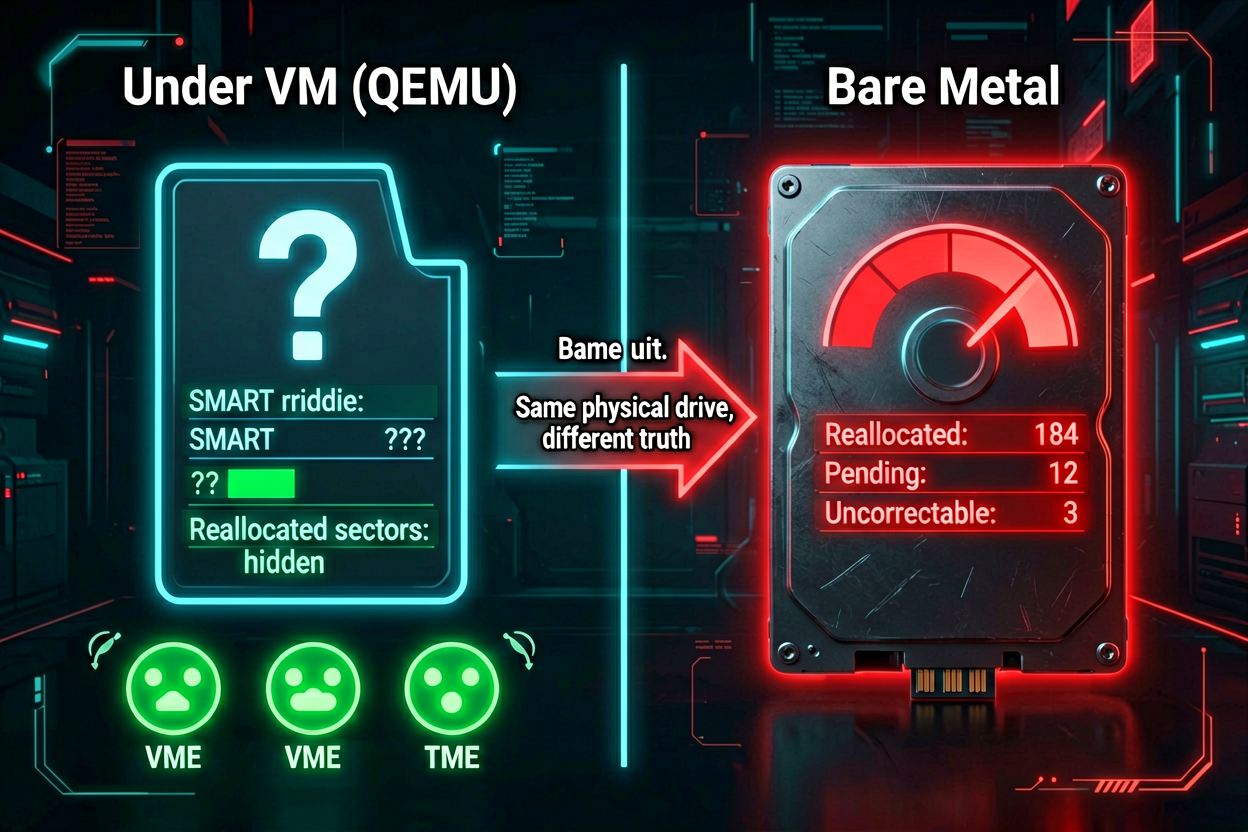
The previous post left Unraid running as VM200 on the Proxmox host (a Dell OptiPlex 7070 Micro), with the QNAP TL-D800C DAS passed through via USB. That was always meant to be temporary — the plan was to move Unraid onto dedicated hardware once the bulk of the data migration settled. That hardware was an Acer Veriton N4640G (Intel i5-6500T, 8 GB RAM) sitting idle. The physical move itself was uneventful: pull the Samsung 870 EVO (the boot+cache SSD) out of the OptiPlex, slot it into the Veriton's 2.5" SATA bay, move the DAS USB cable over, boot.
Unraid came up, re-detected its array disks, and ran its first disk scan directly against real SATA/USB controllers instead of through QEMU's virtual disk layer. Within minutes, two drives were flagged: the boot/cache SSD, and a 2 TB data disk sitting at roughly 90% full (about 1.7 TB of 2 TB used).
That distinction mattered in the moment. Seeing two drives flagged red on the very first boot after a hardware move looks like the move broke something. It didn't — it just stopped hiding something.
Failure One: The Boot/Cache SSD
The Samsung 870 EVO 500 GB had been serving double duty since the original migration: Unraid's boot device (internal-SSD-boot, not the traditional USB flash stick) and the cache pool for the array. SMART on the real controller showed it was failing. The fix was straightforward in principle — replace it with a new drive — but it came with an unplanned detour.
Mid-replacement, Unraid needed its configuration synced back onto the USB flash drive as a fallback boot path while the SSD was being swapped out. This was mildly funny in a dark-humor way: internal-SSD-boot was itself a recent upgrade away from flash-drive boot, celebrated just days earlier. For a few hours mid-crisis, the array was back on the exact boot method it had just left. That was always meant to be temporary, and once the replacement SSD was in and cache/boot was reconfigured on it, the array moved back to internal-SSD-boot for good. If you're doing this kind of swap yourself: don't panic if Unraid detours through flash mid-recovery — just confirm the final state actually lands back on the new SSD rather than getting stranded on the fallback.
The replacement is a new 256 GB Samsung SSD, handling both boot and cache duties exactly as the 500 GB drive did. Less capacity, but 256 GB is comfortably enough for a cache pool and boot partition — the array's bulk storage lives on the spinning data disks, not the cache tier.
Failure Two: The Data Disk at 90% Full
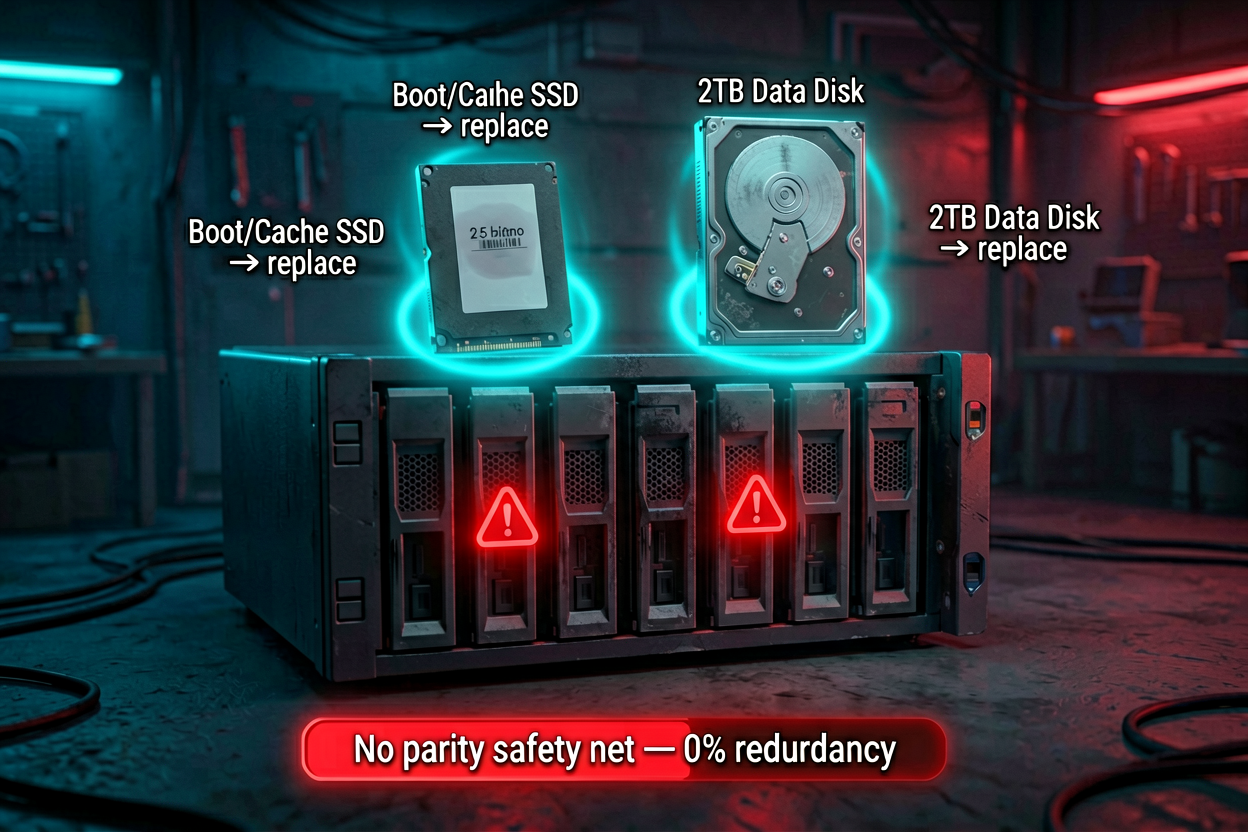
The second flagged drive was a 2 TB Seagate ST2000DM001 — the same disk documented in my internal runbook from an earlier retirement pass, now confirmed failing for real: 842+ reallocated/bad sectors and climbing. The general SMART thresholds I use for this call:
| SMART Attribute | Threshold | Meaning |
|---|---|---|
| Reallocated_Sector_Ct > 100 | ⚠️ Watch | Sectors relocated after failing — early warning |
| Reallocated_Sector_Ct > 500 | 🔴 Failing | Drain ASAP — this disk was well past this line |
| Current_Pending_Sector > 0 | 🔴 Unreadable sectors | Causes I/O errors mid-transfer |
| Offline_Uncorrectable > 0 | 🔴 Permanent damage | Sectors that can never be recovered |
Parallel Rsync Made It Worse
The first drain attempt ran two rsync jobs in parallel — splitting the disk's remaining data across two destination targets simultaneously, the same pattern that works fine for a healthy disk. On a disk that's actively failing, this was the wrong call: two concurrent read streams hitting an already-stressed drive meant more seeks, more retries, and the reallocated sector count climbing visibly faster during the transfer itself. Switching to a single sequential job — one destination at a time, no split I/O — was both safer and, in practice, faster overall. Keeping all reads focused on one job at a time instead of thrashing the head between two targets turned out to matter more than the theoretical throughput gain from parallelism.
rsync -a --no-compress --partial --append-verify \
  --ignore-errors --ignore-missing-args \
  --remove-source-files \
  --log-file=/tmp/rsync-drain.log \
/mnt/disk-failing/movies/ /mnt/disk-target/movies/--ignore-errors— skip unreadable sectors and keep going instead of aborting the whole job on the first bad read--partial --append-verify— resume interrupted files instead of restarting from zero when the disk drops out mid-transfer--remove-source-files— only deletes the source copy after a file is actually, successfully transferred
The Five-Minute Watchdog
A failing disk doesn't drain in one clean pass — it drops out, the array occasionally needs a restart to make the disk briefly readable again, and babysitting that manually for hours is a bad use of attention. A small watchdog script ran as a cron job every 5 minutes:
- Check if the rsync job is still running — if yes, do nothing
- If rsync stopped and the disk is still accessible, relaunch it (always
pkillany stale process first — otherwise multiple rsync instances stack up) - If the disk is inaccessible (I/O error), restart the Unraid array (
mdcmd stop/mdcmd start), wait, and check again - If the disk comes back, relaunch the transfer automatically
- If the disk stays dead, send an alert instead of retrying forever
This meant the drain ran unattended across the hours it needed, self-healing through the disk's intermittent dropouts, with a human only pulled in if it genuinely couldn't recover on its own. It's the same principle that ran through the Telegram-monitored migration in the last post — instrument it, let it recover automatically where it safely can, alert on the cases it can't.
Not every file moved cleanly on the first pass — a portion of the data needed to be re-drained and re-copied after the disk dropped out and came back, since a completed-looking rsync summary doesn't always mean every file transferred (a skipped, already-matching file on the destination doesn't get removed from the source, and a disk dropout mid-file needs a second pass to actually finish it). No data was permanently lost, but it took more than one clean sweep to confirm the disk was genuinely empty before pulling it from the array.
The replacement drive is a 4 TB unit — double the capacity of the 2 TB disk it replaced, which is the obvious move when you're already swapping a failing drive for a new one.
Running the Entire Recovery With No Safety Net
The detail that makes this week different from a routine disk swap: none of it happened with parity protection running. Parity had been deliberately deferred since the original NAS-to-DAS migration, and there's a hard rule for exactly this situation — don't add a new parity disk while a failing disk is still being drained. Parity sync reads every disk in the array, including the dying one, and that extra read load is more likely to push a failing disk over the edge mid-rebuild, at the worst possible time.
So the correct order was: finish both drive replacements completely, confirm the failing disk was genuinely empty, remove it from the array, then — only after all of that — assign parity. Which meant the entire boot-SSD swap and the entire multi-hour data disk drain ran back-to-back with the array fully exposed. Any unrelated failure on any of the other five data disks during that window would have been unrecoverable. Nothing else failed. But it's worth being honest that this stretch was the least protected the array has been at any point since the original Synology retirement — the whole point of that migration was to stop running unprotected, and for a few days, protection was still not there while the fix for the first problem was underway.
Where Things Stand Right Now
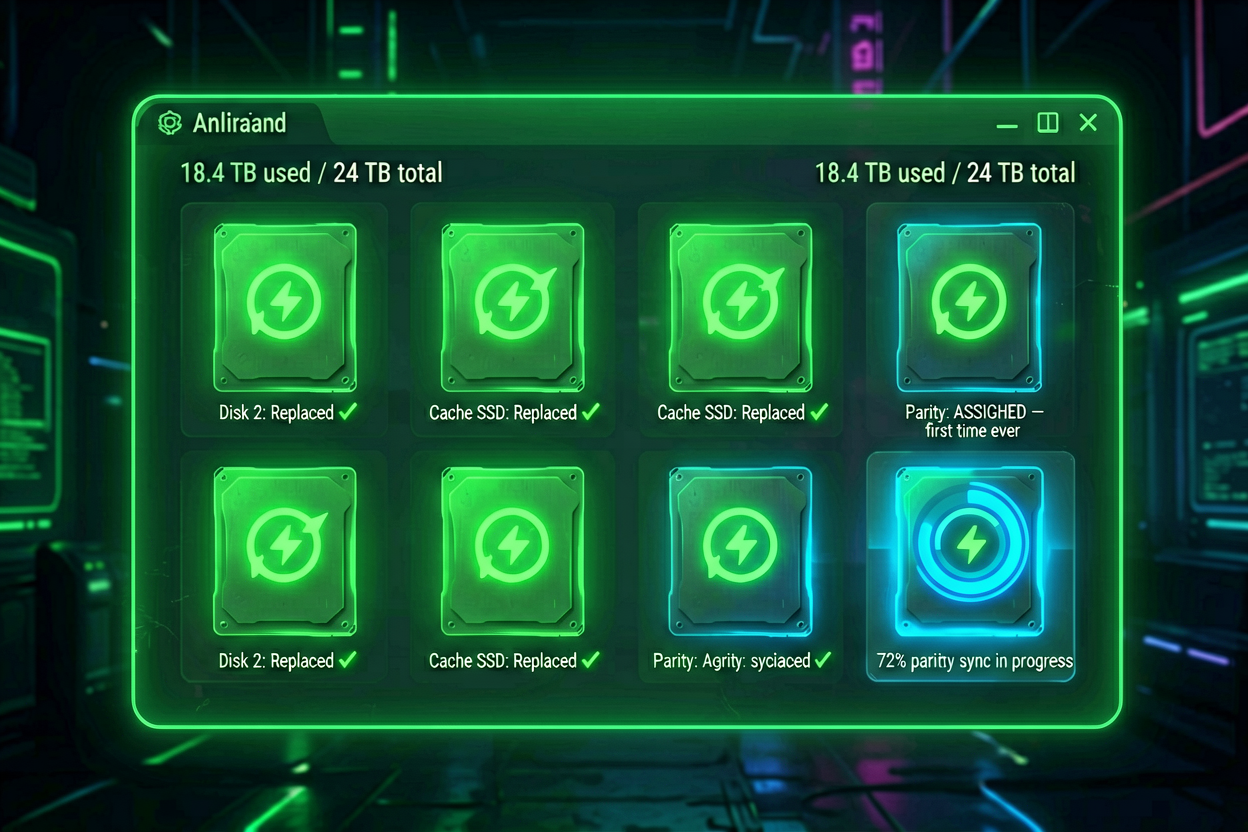
Both replacements are done. The array is back to six healthy data disks plus the new cache/boot SSD, and — for the first time since this whole migration started — a parity disk is finally being assigned and synced.
| Slot | Model | Size | Status |
|---|---|---|---|
| Parity | ST10000NM017B | 10 TB | ⏳ Syncing (first assignment) |
| Disk 1 | ST10000NM0086 | 10 TB | ✅ OK |
| Disk 2 | Toshiba MG06ACA10TEY | 10 TB | ✅ OK |
| Disk 3 | WDC WD40EFPX | 4 TB | ✅ OK |
| Disk 4 | WDC WD40EFPX (new) | 4 TB | ✅ OK — replaced the failed 2 TB disk |
| Disk 5 | ST2000LM015 | 2 TB | ✅ OK |
| Disk 6 | ST2000VN000 | 2 TB | ✅ OK |
| Cache / Boot | Samsung SSD (new) | 256 GB | ✅ OK — replaced the failed 500 GB SSD |
Total usable data capacity across the six array disks is just under 32 TB raw (~30 TB usable once formatting overhead is accounted for), protected by the 10 TB parity disk currently syncing. Once parity finishes, this is the first time since the original Synology retirement began that the array has real redundancy — any single future disk failure becomes a routine rebuild instead of a scramble.
Lessons
- Bare metal beats virtualization for disk health visibility. If a storage array's health data matters, don't trust SMART readings through a VM's virtual disk layer — get the array on hardware that talks to the physical controller directly, or budget for the fact that real failures can stay hidden until you do.
- Sequential beats parallel on a dying disk. The instinct to parallelize a drain for speed is wrong when the source disk is the bottleneck's cause, not its cure — splitting I/O across a failing drive accelerates its failure.
- Automate the recovery loop, not just the monitoring. A watchdog that only alerts you to go fix something manually is half a solution. One that safely restarts the array and relaunches the transfer on its own turns an hours-long babysitting job into something you check on periodically instead of constantly.
- Never add parity while a disk is actively failing. It's tempting to want redundancy back as fast as possible, but adding parity mid-crisis makes the crisis worse. Finish the recovery, confirm the array is clean, then protect it.
The irony isn't lost on me: a migration that was explicitly designed to eliminate the risk of running unprotected storage ended up running unprotected for longer than planned, because the move that was supposed to finish the job is what surfaced the failures in the first place. The array is healthier for it now than it would have been left alone on the VM, quietly accumulating bad sectors that nothing was watching for. Once parity finishes syncing in a couple of days, this migration is finally, actually done.