Run a Real AI Agent for $0: Hermes + Agnes 3 Flash + Nous Free Models
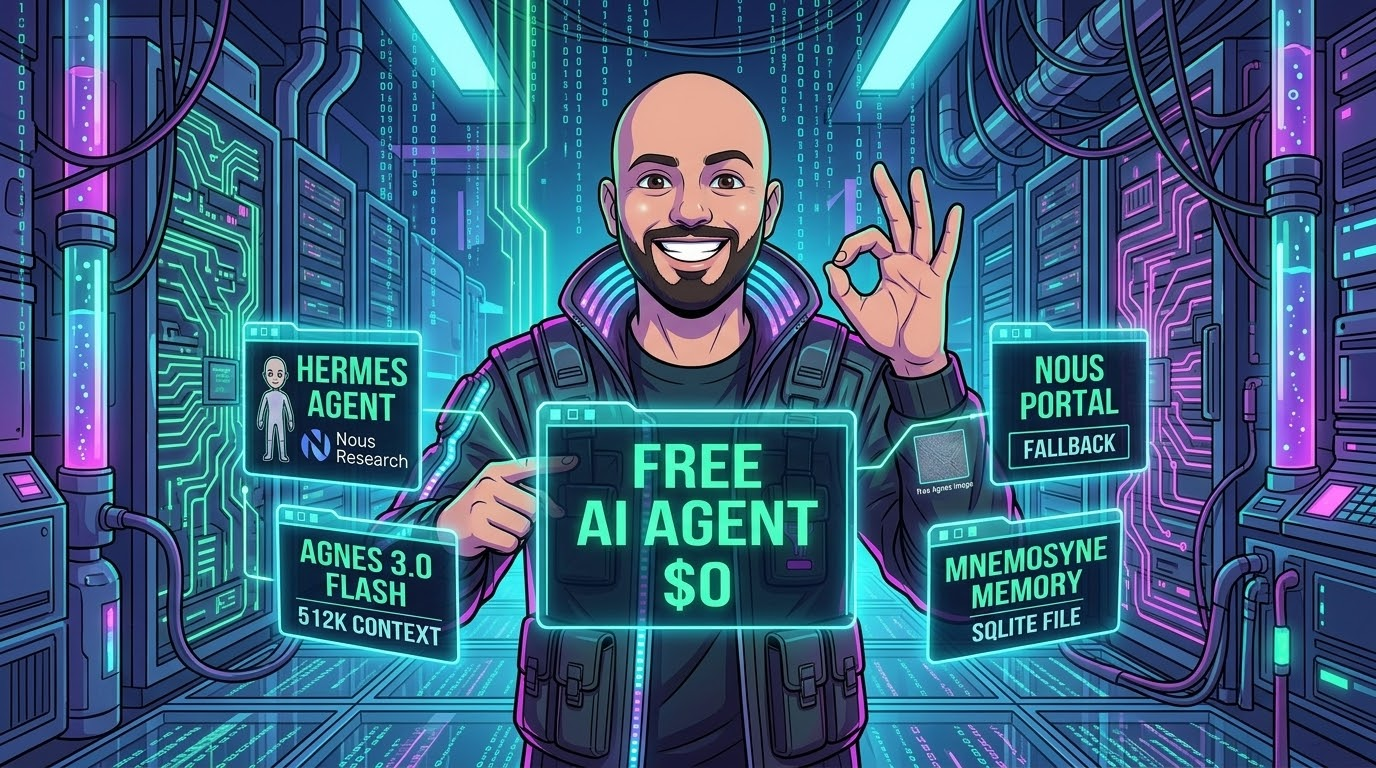
Most "get started with AI agents" guides quietly assume you'll hand a credit card to OpenAI or Anthropic before you've even seen the thing run. That's a bad first step. You shouldn't have to pay to find out whether a tool-calling agent is useful to you — and in late 2026 you genuinely don't have to.
This is a complete, copy-paste walkthrough for standing up a real agent — not a toy chat box, a full tool-calling agent with a terminal, a filesystem, web search, and image generation, on both the command line and a native desktop app — for $0. The stack:
- Hermes Agent — the open-source agent framework from Nous Research (CLI + desktop + 20 messaging platforms).
- Agnes 3.0 Flash — a 512K-context, tool-call-tuned text model that is free during its preview period. This is your main brain.
- Nous Portal free tier — a $0/month, no-card subscription that gives you a rotating catalog of free models. This is your automatic safety net when Agnes rate-limits you.
- Agnes image generation — also free, same API key. Your agent can draw.
This is written for someone setting up Hermes for the first time who wants to keep spend at zero while they learn. I'll link the official Nous and Agnes docs at every step so you can verify everything against the source rather than taking my word for it.
The architecture: two brains and a safety net
Before the commands, here's the shape of what you're building. There are two things people conflate — the agent (Hermes, the thing that runs tools in a loop) and the model (the LLM that does the thinking). Hermes is provider-agnostic: it speaks the OpenAI-compatible wire format, so any endpoint that does can be slotted in. We exploit that twice.
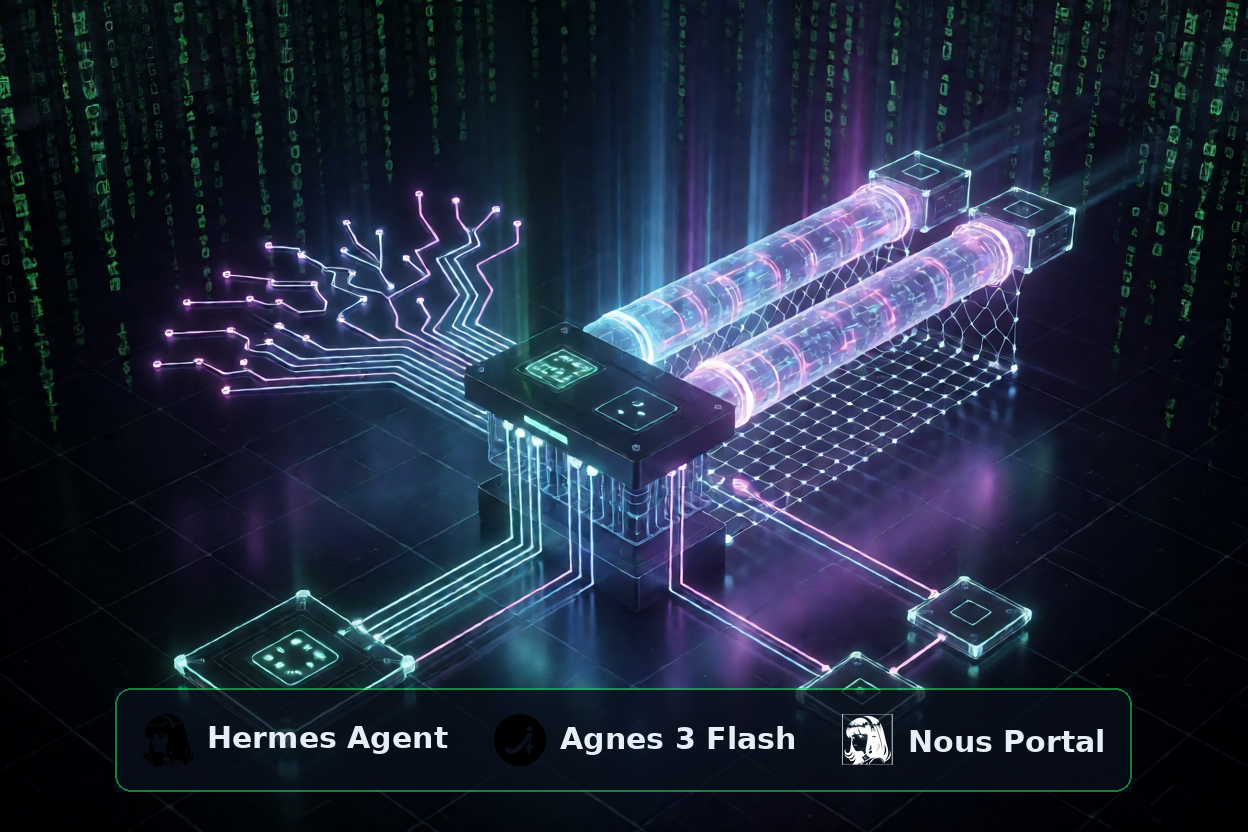
- Primary model → Agnes 3.0 Flash. Free, 512K context, tuned for multi-step tool use. It handles your day-to-day agent work.
- Fallback → a Nous Portal free model. When Agnes hits a rate limit or has a bad minute, Hermes transparently swaps to a free Nous model mid-session without losing your conversation. You don't notice the hand-off.
- Image generation → Agnes. The same Agnes key that runs your text model also
serves
/v1/images/generationsfor free.
The result is an agent that keeps working even when one free provider gets grumpy — which is exactly the failure mode you hit when you lean on free tiers. Redundancy is the price of admission for $0.
Step 1 — Install Hermes (Linux, macOS, Windows)
Hermes ships a one-line installer that sets up uv, a managed Python, the virtualenv, and
the hermes launcher. Pick your platform.
Linux / macOS
curl -fsSL https://hermes-agent.nousresearch.com/install.sh | bashWindows (PowerShell)
iex (irm https://hermes-agent.nousresearch.com/install.ps1)
Prefer a package manager? pip install hermes-agent (or uv pip install
hermes-agent) works on all three and ships the TUI bundle. Once it's in, confirm the install is
healthy:
hermes doctor
hermes doctor checks dependencies and config and tells you what's missing. Fix anything it
flags before moving on. Full install reference:
Installation docs.
The desktop app
Hermes has a native Electron desktop app (macOS, Linux, Windows) with streaming chat, a session list, drag-and-drop file attach, a Cmd+K palette, a status-bar model picker, and live subagent watch-windows. Two ways to get it:
- From the installer: download the desktop package for your OS from the
Hermes website —
Windows opens the
.appinstallerwith Windows App Installer, macOS mounts a DMG and you dragHermes.appto Applications. - From an existing CLI install: just run it.
hermes desktop # alias: hermes gui
Everything below is configured once and shared by both the CLI and the desktop app — they read the same
~/.hermes/config.yaml. Set it up in the terminal, use it anywhere.
Step 2 — Get your two free keys
You need two credentials, both free, both no-card.
Agnes API key (free — covers text, image, and video)
Sign up at agnes-ai.com and create
an API key. One key covers every Agnes model — the text models, image generation, and video — so this
is the only Agnes credential you'll ever need. Agnes 3.0 Flash is served on an OpenAI-compatible gateway
at https://apihub.agnes-ai.com/v1, and calling it today adds nothing to your balance
(verified against Agnes's own billing meter by
independent testing).
Nous Portal free tier (OAuth, no credit card)
The Nous Portal free plan is $0/month with $0 in monthly credits — it gives you the free-model catalog and standard rate limits (50 requests/min, 500K tokens/min), no card required. Sign up at portal.nousresearch.com, then wire it into Hermes with one command:
hermes setup --portal
That opens your browser for OAuth, stores a refresh token at ~/.hermes/auth.json, and sets
Nous as a provider. Verify it:
hermes portal infossh -N -L 8642:127.0.0.1:8642 user@host) or use device-code login with
hermes auth add nous --type oauth. The
OAuth over SSH
guide has the full walkthrough.
We'll use Agnes as the main provider (next step) and keep Nous as the fallback (step 4). If you'd rather flip it — Nous free model as primary, Agnes as backup — the config is symmetric; swap the two blocks.
Step 3 — Wire Agnes 3 Flash as your main model
Hermes has no native Agnes provider. That's fine — Agnes rides the generic
custom OpenAI-compatible slot, which is a first-class provider in Hermes, not a hack. Open
your config:
hermes config edit
Set the model block to:
model:
  default: agnes-3.0-flash
  provider: custom
  base_url: https://apihub.agnes-ai.com/v1
  api_key: YOUR_AGNES_KEY
context_length: 512000(1) The model name is bare —
agnes-3.0-flash, not
agnes/agnes-3.0-flash. The prefixed form is OpenClaw's convention, not Hermes's; it'll
give you a 404.
(2) Once
base_url is set it takes precedence and decides where the request actually
goes — so double-check it points at apihub.agnes-ai.com/v1.
Prefer not to hand-edit YAML? hermes model → Custom endpoint walks you through the
same four values interactively. Now prove it works:
hermes chat -q "In one sentence, what model are you and what's your context window?"If you get a coherent answer back, Agnes is your brain. One behavioural note: Agnes 3.0 Flash is a reasoning model — it spends output tokens on internal thinking before the visible answer. If replies ever come back empty, your max-output budget is too small and the whole budget went to thinking; give it room. On self-hosted Hermes there's no Agnes output cap by default, so this is rarely an issue. Full model spec: Agnes 3.0 Flash docs.
Step 4 — Add the Nous free-model fallback
Free tiers rate-limit. The whole point of this architecture is that a rate limit on Agnes shouldn't stop your agent — Hermes should quietly reach for a free Nous model and carry on. That's exactly what fallback providers do: when the main provider throws a rate-limit, server error, or auth failure, Hermes swaps the provider:model pair mid-session without losing your conversation.
The interactive way:
hermes fallback add
It reuses the same provider picker as hermes model — choose Nous, then
pick a free model. Or edit the YAML directly; fallback lives in a top-level
fallback_providers: list:
fallback_providers:
  - provider: nous
model: inclusionai/ling-3.1-flashhermes model, select
Nous, and look for anything tagged (free) or priced $0.00/1M. At the
time of writing the free, tool-call-capable options include inclusionAI: Ling 3.1 Flash,
Meituan: LongCat 2.5 Preview, and Poolside: Laguna S 2.1. The live list is on the
Portal models page.
You now have a self-healing free stack: Agnes does the heavy lifting, and if it stumbles, a free Nous model catches the fall. You can chain multiple fallbacks — Hermes tries them in order and drops back to your main model as the final safety net.
Bonus: Agnes 2.5 Flash as a faster, lighter alternative
Agnes 3.0 Flash is the capable one, but it's a reasoning model — it thinks before it answers,
which costs latency. For quick, shallow tasks that don't need deep multi-step reasoning,
Agnes 2.5 Flash (agnes-2.5-flash) is often snappier: same free price, same
512K window, same API key, less deliberation. It's also the model with a published price and a longer
track record, so Agnes itself still treats it as the "suggested default." Trade-off in one line:
3.0 Flash is smarter on hard jobs; 2.5 Flash is faster on easy ones.
The nice part is that Hermes lets you keep both on tap and reach for the right one per task — you don't have to commit globally. A few patterns I actually use:
- Per-session override. Start a throwaway session on the fast model without touching
your default:
hermes chat --model agnes-2.5-flash -q "summarise this changelog into 3 bullets" - Mid-session switch. Inside a chat, flip models on the fly when a task gets heavier
or lighter:
/model agnes-2.5-flash # drop to fast mode for grunt work /model agnes-3.0-flash # back to the deep thinker for the hard part - Auxiliary tasks on the cheap model. Hermes runs side jobs — vision, web-page
summarisation, context compression — through a separate "auxiliary" model. Point those at the fast
model so your main brain stays free for the actual reasoning:
hermes config set auxiliary.compression.provider custom hermes config set auxiliary.compression.model agnes-2.5-flash - Scheduled / background work on fast, interactive on smart. A
cron job
that summarises your inbox every morning doesn't need the reasoning model — give it
agnes-2.5-flashwith a per-job model override and keepagnes-3.0-flashas your interactive default.
Think of it as two gears on the same free drivetrain: fast gear for reflexes, smart gear for climbs, and the Nous free model as the tow truck if either gear slips.
Step 5 — Free image generation with Agnes
Your agent can draw, for free, on the same Agnes key. Agnes image generation is a straight
OpenAI-style call to POST /v1/images/generations — no separate account, no extra billing.
(Worth knowing: the Nous Portal image generation gateway is a paid-plan feature, so on a $0
budget, Agnes is specifically the free image path.)

agnes-image-2.5-flash — cost: $0
Here's a minimal, self-contained call. Export your key once (export
AGNES_AI_API_KEY=...), then:
curl -s --max-time 120 -X POST https://apihub.agnes-ai.com/v1/images/generations \
  -H "Authorization: Bearer $AGNES_AI_API_KEY" \
  -H "Content-Type: application/json" \
  -d '{
    "model": "agnes-image-2.5-flash",
    "prompt": "an isometric data center at night, glowing server racks, clean futuristic style",
    "size": "1536x1024",
    "n": 1
  }'
The response carries a temporary URL at data[0].url — download it
immediately, these URLs expire:
curl -sL "<url-from-response>" -o ~/Downloads/agnes-image.png
A few practical notes from running this a lot: generation takes ~20–30s, so allow a generous timeout and
retry on 503 (free capacity is bursty); describe scenes and environments rather
than asking for text or labels inside the image, because the model garbles rendered text; and there's a
practical ceiling of roughly 15–20 images/day on the free tier before you start getting persistent
rate-limits. Within Hermes, the agent can drive this for you as a tool — "generate a hero image for this
post and save it to Downloads" becomes a single instruction.
Teach Hermes to do this on its own — install the skill
Hermes has skills — reusable procedure documents the agent loads on demand. Rather than pasting the curl command every time, you can install a ready-made Agnes image-generation skill so the agent knows the endpoint, the retry logic, and the prompt rules automatically. I've published one alongside this post; install it straight from the URL:
hermes skills install https://anas.semesmieh.com/blog/skills/agnes-image-generation/SKILL.md
After that, make sure your Agnes key is exported where Hermes can read it
(echo 'AGNES_AI_API_KEY=your-key' >> ~/.hermes/.env), start a new session, and just ask:
"generate a wide banner of a neon server room and save it to ~/Downloads." The skill loads, the
agent calls Agnes, retries on a busy signal, and downloads the result — no copy-paste. You can inspect
the skill first with hermes skills inspect, and hermes skills list shows
everything installed. This is the single most useful habit to build early: when you work out a reliable
procedure, save it as a skill and the agent gets permanently better at it.
Optional paid extra: video generation with Agnes
Agnes video (agnes-video-2.5) is served from the same key and gateway, as an
async job: you create a task, poll until it's done, then download the result. Pricing
is per output second:
| Resolution | Price per output second |
|---|---|
| 720P | $0.025 / sec |
| 1080P / 1K | $0.040 / sec |
| 2K | $0.055 / sec |
The full formula is output_sec × rate + input_video_sec × rate + max(0, images − 5) × $0.005.
A worked example: an 8-second 720P clip from a text prompt is
8 × $0.025 = $0.20. Add a 3-second input video to guide it and seven reference images and
you're at (8 + 3) × $0.025 + 2 × $0.005 = $0.285. In other words — pennies per clip, but
not zero, so decide the resolution and duration before you hit go. Default to 720P and
the shortest duration while you're experimenting.
The two-step async flow, trimmed to essentials:
# 1. Create the task → returns a video_id (save THIS, not task_id)
POST https://apihub.agnes-ai.com/v1/videos
{
  "model": "agnes-video-2.5",
  "prompt": "a slow drone shot over a neon city at night",
  "mode": "text",          # text | keyframe | reference
  "seconds": "5",          # string, "4"–"12"
  "size": "720P",
  "aspect_ratio": "16:9"
}

# 2. Poll until status == completed, then download the (temporary) url
GET https://apihub.agnes-ai.com/agnesapi?video_id=<VIDEO_ID>&model_name=agnes-video-2.5video_id, never
task_id (and always include &model_name=agnes-video-2.5, or the task looks
stuck forever); and any reference images/video URLs you pass must be publicly reachable until
the job finishes — private or expiring URLs fail server-side. Because jobs take minutes, run them as
background work rather than blocking your session.
Make Hermes more capable: tools, toolsets, and plugins
The model is only half the agent — the other half is what it can do. Out of the box Hermes
bundles a deep toolset, and all of it works on the free stack. Manage what's on with
hermes tools (an interactive toggle) or hermes tools list. The ones you'll
reach for first:
| Toolset | What it gives the agent |
|---|---|
terminal | Run shell commands and manage processes |
file | Read, write, search, and patch files |
web / search | Web search and full-page extraction |
code_execution | Sandboxed Python execution |
vision | Analyse images (Agnes 3 Flash takes image input, so this is free) |
image_gen / video | Generate and edit media |
delegation | Spawn subagents for parallel subtasks |
cronjob | Schedule unattended agent runs |
memory / session_search | Persistent memory and search across past conversations |
todo / clarify | In-session task planning and asking you questions |
/reset (or start
a fresh hermes chat). They don't hot-swap mid-conversation — that's deliberate, to preserve
prompt caching. Full list: tools reference.
Skills — the agent's procedural memory
You already installed one in Step 5. Skills are how Hermes accumulates know-how: when it solves a gnarly
problem or you correct it, it can save the procedure as a skill that loads into future sessions.
hermes skills browse explores the hub, hermes skills search <query> finds
one, and hermes skills install <id-or-URL> adds it — the URL form is exactly how the
Agnes image skill installed. Over time this is what makes the agent feel tailored to you rather
than generic.
Plugins — add whole subsystems
Plugins extend Hermes with new tools, memory providers, desktop panes, and dashboard views.
hermes plugins list shows what's active and hermes plugins install <name>
pulls from the catalog or straight from a GitHub repo. You can also wire in
MCP servers
(hermes mcp add) to expose external tools, and schedule recurring work with
cron.
Nothing here costs money on the free stack — the plugins are code, and they run against whichever free
model you configured. In the next section we install a plugin that gives your agent a genuine long-term
memory.
Give it a real memory: Mnemosyne + a memory dashboard
Hermes ships with a built-in memory (bounded personal notes + a user profile that survive across sessions), and it's always on. But it's deliberately small. For an agent you actually live with, you want something richer: semantic recall, a knowledge graph of facts, episodic consolidation — a real memory layer. Hermes supports pluggable memory providers for exactly this, and only one external provider is active at a time (the built-in memory stays active alongside it).
Several providers exist (Mem0, Honcho, Holographic, and more — see the
memory providers docs).
For a free, local-first setup my pick is Mnemosyne:
one pip install, one SQLite database, no external services, no API keys, no cloud calls. It's
a Hermes-first memory layer with vector + full-text hybrid recall, a temporal knowledge graph, and
episodic "sleep" consolidation that compresses old working memories into summaries.
Install Mnemosyne as the memory provider
Install the Hermes wrapper package (it pulls in local embeddings), then point Hermes at it:
# into the Hermes environment
pip install mnemosyne-hermes

# register it as the active provider + restart so tools load
python -m mnemosyne.install
hermes config set memory.provider mnemosyne
hermes gateway restartpip install. Use the
Hermes virtualenv, e.g. source ~/.hermes/hermes-agent/venv/bin/activate first, or a dedicated
venv — see the Hermes integration guide.
On Docker or desktop-binary installs, prefer Mnemosyne's wrapper mode so an update can't wipe the
side environment.
Verify it took:
hermes memory status        # should show Provider: mnemosyne
mnemosyne stats             # working + episodic counts
hermes tools list | grep mnemosyne
From now on the agent has mnemosyne_remember, mnemosyne_recall, knowledge-graph
triples, and more — it quietly recalls relevant facts before each turn and stores new ones as you go. It
remembers your stack, your preferences, and the lessons from past sessions, all in a local SQLite file you
own.
See and curate it: the Mnemosyne dashboard
Memory you can't inspect is memory you can't trust. The Mnemosyne dashboard is a small, local-first web UI for browsing, visualising, and (optionally) maintaining the store — a Python-stdlib server with a static frontend, read-only by default, no cloud calls. Install it as a Hermes plugin:
hermes plugins install wysie/mnemosyne-dashboard --enable
hermes gateway restart
Start it with the mnemosyne_dashboard_start tool (or ask the agent to), then open
http://127.0.0.1:8765/. You'll see your working and episodic memories, the knowledge
graph, stats, and consolidation history. Control it with the companion tools —
mnemosyne_dashboard_status, mnemosyne_dashboard_config,
mnemosyne_dashboard_stop — and trigger a consolidation pass with
mnemosyne_sleep.
0.0.0.0 (LAN) by default. Admin/write mode exposes destructive endpoints, so Mnemosyne
refuses to enable it on a LAN bind without password auth. Keep it localhost-only, or set a
password before enabling admin mode on the network — never leave write access open on the LAN.
That's the whole free memory stack: Mnemosyne for the brain's long-term store, the dashboard for eyes on it. Both local, both $0.
What it actually costs
Here's the whole bill, itemised honestly:
| Component | What it does | Cost |
|---|---|---|
| Hermes Agent + Desktop | The agent itself, CLI and GUI | $0 (open source) |
| Agnes 3.0 Flash | Main model (512K, tool-calling) | $0 (preview) |
| Agnes 2.5 Flash | Fast alternative model | $0 |
| Nous Portal free tier | Automatic fallback model | $0 (no card) |
| Agnes image generation | Free image generation | $0 |
| Mnemosyne + dashboard | Local long-term memory + web UI | $0 (local, no API) |
| Agnes video generation | Optional motion | ~$0.025–0.055/sec |
Two honest caveats so you're not surprised later:
- Agnes 3.0 Flash has no published price yet. Agnes's own docs say "pricing will be announced separately." It is genuinely free today — verified against the live billing meter — but it's a preview, so treat free-forever as not guaranteed. If that worries you, Agnes 2.5 Flash has a published list price ($0.03/1M in, $0.15/1M out) that is currently $0 — a promotional zero against numbers you can watch.
- The Nous free-model list rotates monthly. Your fallback slug may disappear from the
free tier; if fallback ever stops working, run
hermes modeland pick a current (free) model. Thirty seconds of maintenance, occasionally.
Where to go next
You now have a real, free, self-healing agent on your machine — terminal and desktop. From here:
- Enable the free tools.
hermes toolstoggles web search, file, terminal, code execution, and vision. Localfaster-whispergives you free speech-to-text and Edge TTS gives free text-to-speech — no keys. - Automate something.
hermes cron create "0 9 * * *" "summarise today's top
        AI news" --name "daily-news"
runs unattended on your free stack. - Use profiles. Run an experimental Agnes-primary profile and a Nous-primary profile
side by side with
hermes profile create— isolated config, skills, and memory each. - Read the source docs. Hermes docs, Nous Portal, and the Agnes 3.0 Flash reference. I've tried to cite them inline throughout — verify everything against the source, because free-tier details move.
The barrier to running a capable AI agent in 2026 isn't money anymore — it's just knowing which free pieces fit together. Now you do. Go build something.